
A shared view of your business

Contacts.
Conversations.
What comes next.

Bring your contacts, organizations, sales deals and next steps together in one workspace. LoganCue keeps the context behind each relationship close to the work ahead.

A browser-based CRM for the way your team works.

Contact profileIllustrative workspace · Sample data
Avery Morgan

Operations lead · Northline Studio

Contact category: CustomerAssigned to: Sam Ortiz

Service review notes

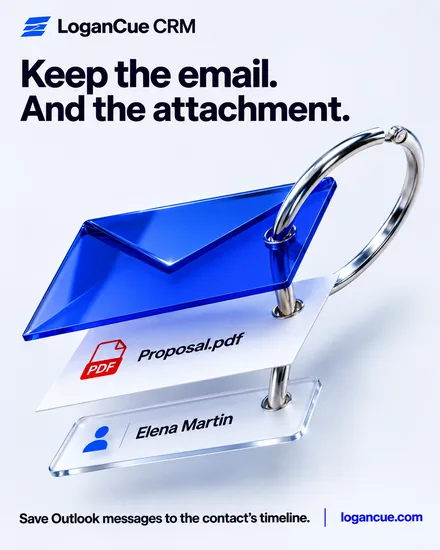
Saved email with one attachment

Email received
Discuss the project brief

Call completed · Outcome noted for the team

Activity completed

Introduced by: Jordan Lee

Contacts & Organizations

Keep the relationship in view.

Build a shared picture of each contact and organization. Keep contact details, conversation notes and the work you share in one place.

  • One place for the details

    Manage contacts and organizations, set a contact category, record who introduced someone and group people into contact lists.

  • Context for the next conversation

    Add notes and assign each record to a colleague. The Timeline shows past conversations and completed work.

  • Related work stays close

    Open the deals, files and custom records linked to a contact from the contact profile.

Connected recordsSample data

Northline Studio

Organization

Avery Morgan

Operations lead

Linked records

Annual service agreement

Deal · Proposal

Service agreement review

Custom record · Contracts

Activities & Deals

Turn conversations into clear next steps.

Schedule the follow-up while the details are fresh. Daily work and sales deals stay connected to the people behind them.

Keep the work moving

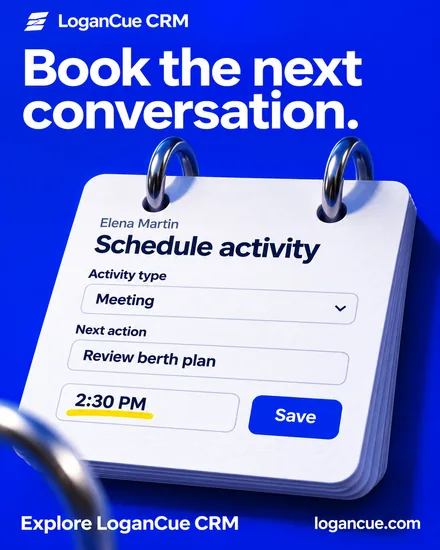
Plan calls, meetings and to-dos. Review open activities in your schedule, complete them with an outcome and find them later in the contact’s Timeline.

Open activitiesSample day

Discuss the next project

10:00 · Call · Avery Morgan

Review the service brief

14:30 · Meeting · Northline Studio
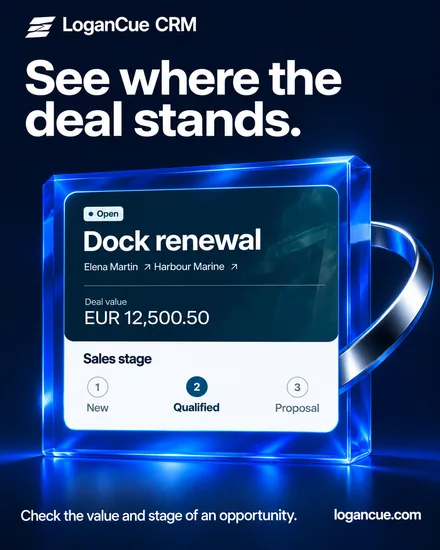
See where each deal stands

Track deals by stage. Add product or service items from your price list and keep quantities, prices and values with the deal.

Deal overviewSample data

  1. New
  2. Qualified
  3. Proposal
Annual service agreement

Northline Studio · 2 items · €4,800

Quotes & invoices

From quotation to invoice in the same workspace.

Prepare quotations, proforma invoices, order confirmations, invoices, credit notes, delivery notes and packing lists for your contacts and organizations, with your logo and company details.

  • Templates for your line of business

    Start from one of ten industry templates, such as maritime supply, construction, professional services or software. Columns, header fields and texts can be changed on each document.

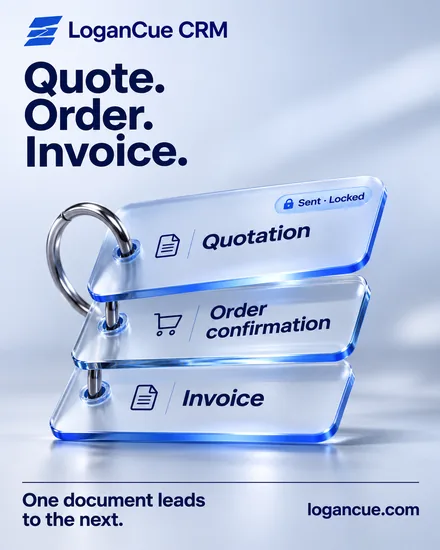
  • One document leads to the next

    Turn a quotation into an order confirmation, an invoice or a delivery note. Lines can come from your catalog; totals are shown by tax rate.

  • PDF in four languages

    Download the PDF in English, Turkish, French or German, or send it from your own classic Outlook mailbox. A sent document is locked, so what the customer received stays on record.

LoganCue documents are not electronic invoices submitted to a tax authority. Check the invoicing rules that apply to your business.

Quotation QT-2026-0007Sample data

Fieldwork Studio

Customer · Elena Park

Studio desk × 4

€5,000 · VAT 20%

Installation and set-up

€480 · VAT 20%

Total: €6,576

Sent and locked

Next: order confirmation, then invoice

Outlook

Keep correspondence with the right records.

File important Outlook emails against CRM contacts so you can return to the conversation later. Open saved messages and their attachments from the relevant record, according to your workspace permissions.

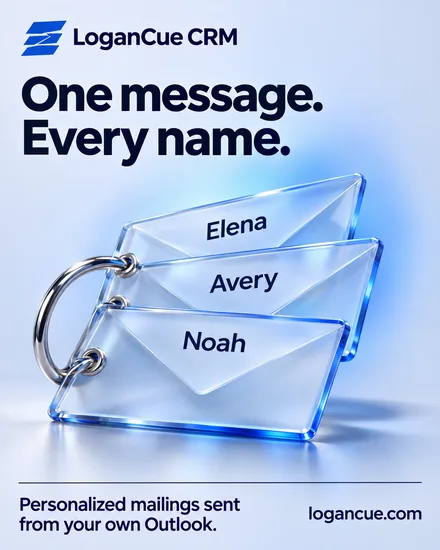
Prepare personalized mailings with reusable templates, contact fields and a preview for each recipient. They are sent from your own Outlook mailbox.

  • Filing without extra clicks

    Choose the Inbox, Sent Items or both and new emails with known contacts are attached to their history. Older emails can be filed up to 100 at a time.

  • New addresses at send time

    When you send to an address the CRM does not know, LoganCue asks whether to create a contact or link it to an existing one.

  • Meetings and contacts in step

    Synchronize meetings with your Outlook calendar and contacts with an Outlook contacts folder, in the direction you choose, after a preview.

The LoganCue Outlook add-in requires classic Outlook for Windows.

EmailsSample correspondence

Ready for the service review

From
avery@example.test
To
team@example.test

Hi team, the updated brief is attached. Let’s review the scope and agree on the next steps in our meeting.

Service brief.pdf · Example attachment

Related contact: Avery Morgan

Custom records

Track the work that makes your business different.

Create custom records for contracts, supplier reviews, service visits and other information your team needs to manage.

Start from one of 45 ready templates or define your own fields. Connect records to contacts and organizations, link one record to another and calculate values with formula fields.

Custom records are included in every CRM plan. Workspace and storage limits apply.

Made for your workflowSample data

Contracts

Annual services agreement

Organization
Northline Studio
Status
In review
Annual value
€4,800
Monthly value (formula)
€400
Notes
Confirm scope and the renewal terms.

Team & Reporting

Give your team a shared place to work.

Colleagues manage relationships together and find the information they need for their next step.

Read about security
  • Roles that reflect your team

    Invite colleagues as admins or members, with a workspace owner overseeing access. Assign contact and organization records to the person responsible.

  • Shared files for the whole team

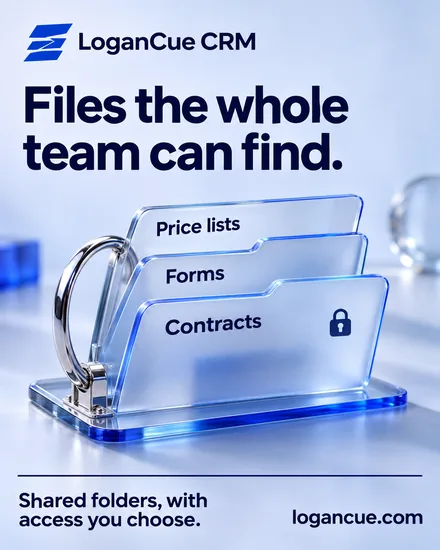
    Keep price lists, forms and contracts in shared folders, apart from any single contact or deal. Choose which folders only owners and admins may open.

  • Departments with their own rights

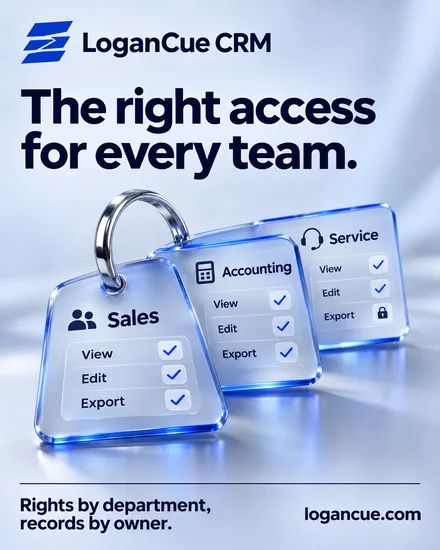
    Group members into departments and choose, part by part, what they may view, add, edit, delete and export, and whether they see every record, their department's or only their own.

  • Account access with an extra check

    Use two-factor authentication to add protection to sign-in. A workspace owner can require it for the whole team.

  • Bring information in. Take reports with you.

    Preview an Excel or CSV import before contacts are added. Run reports and export the results as CSV files.

  • Your language, your team’s language

    Each member chooses English, Turkish, French or German for the interface and its messages. Documents can be printed in any of the four.

  • Help from inside the CRM

    Send a support request from the workspace and follow the numbered replies in one place.

  • Your data can leave with you.

    The workspace owner can export the whole workspace as ZIP files: contacts, organizations, deals, custom records, notes, the schedule, emails with their original Outlook files and the attached files, with their ids and links kept. Members can export their own data.

Plans

Choose a plan for your workspace.

The workspace price includes its owner. Add the active users and shared storage your team needs. Plans are paid annually; the pricing page shows the annual total and its monthly equivalent.

  • Basic · 12 GB shared storage · €180 billed annually
  • Premium · 24 GB shared storage · €300 billed annually
  • Ultimate · 32 GB shared storage · €420 billed annually

Workspace with its owner, no additional users. From €15 per month equivalent.

Compare plans

Before you start

A few useful details.

Which Outlook version does the add-in support?

The LoganCue Outlook add-in requires classic Outlook for Windows. Email filing and personalized mailings use that add-in. The CRM itself runs in your browser. Check the setup instructions against the Outlook version your team uses before installing.

Who can read an email filed from Outlook?

An email is private when a member’s own address (their sign-in address or a verified private address) is its sender, is on its To line or is the mailbox that received it, even when it was filed from a shared mailbox: only those members can read it and its files. It is visible to every member of the workspace when no member’s own address took part in it, or when it was also copied (Cc or Bcc) to a separate known contact, company or member. If an email had Bcc recipients, its original Outlook file (.msg) can be opened and downloaded only by the member who saved it; the others who can read the email see its text but not the original file or the files inside it. Linking an address to a contact never opens a private email to anyone else.

Can I create my own record types?

Yes. Start from a template or define your own fields, including text, numbers, dates, choices, links to other records and formulas. Custom records are part of every plan; workspace record limits and the shared storage of your plan apply.

Can I send quotes and invoices from LoganCue?

Yes. Create quotations, proforma invoices, order confirmations, invoices, credit notes, delivery notes and packing lists, download them as PDF in English, Turkish, French or German, or send the PDF from your own classic Outlook mailbox. LoganCue does not submit electronic invoices to tax authorities and is not accounting software; check the invoicing rules that apply to you.

How are plans billed?

Each purchase covers one year and is paid in advance by card through Stripe. Monthly figures are shown for comparison. The workspace fee includes its owner; additional active users are charged separately. Plans do not renew automatically.

Can I take my data with me?

Yes. From My account, the workspace owner prepares an export of the whole workspace and each member an export of their own data. It comes as ZIP files with records in JSON and CSV, an Excel workbook, a calendar file, emails with their original Outlook files and the attached files. Emails private to one member are left out of the owner’s package; that member can export them. After a paid subscription ends, the export stays open for a period shown in the account, without reopening the CRM.

Is this a marketing automation platform?

No. LoganCue includes personalized mailings sent from your own classic Outlook for Windows. Automated campaigns, open or click tracking, unsubscribe links and marketing consent management are not included.

See how LoganCue fits your team.

Explore the sample workspace, then try LoganCue with your own contacts and workflows.